NDT Master · Support & Documentation

Help, methodology and field reference for ultrasonic testing professionals.

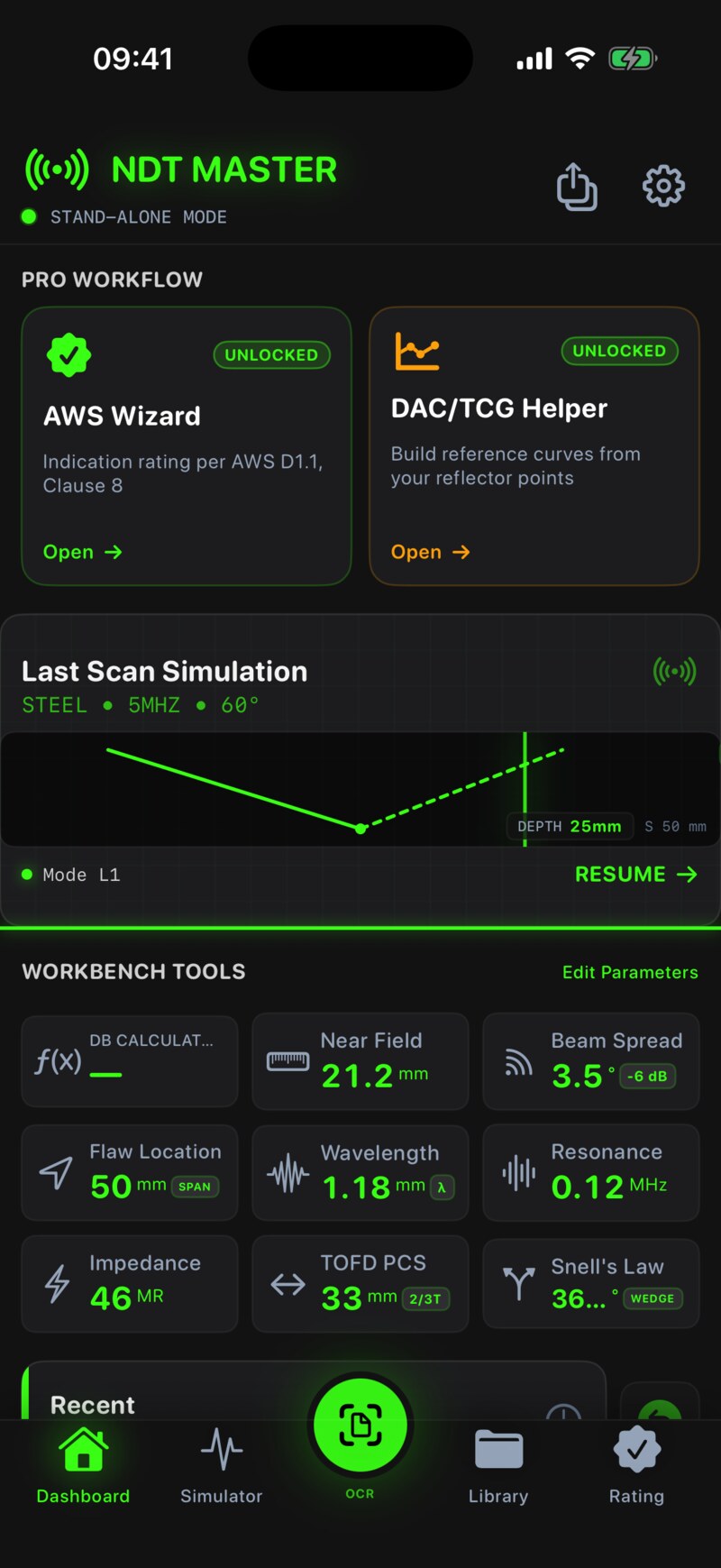
NDT Master is an offline ultrasonic testing calculator designed for weld inspectors, NDT technicians and engineering students. This page documents how the app calculates each value, which standards it references, and how to get support.

Bundle ID: com.linxue.ndtmaster Platform: iOS 15.0+ Current version: 1.2 Last updated: May 11, 2026

1. About NDT Master

NDT Master is a calculation and visualization tool for ultrasonic testing (UT) used in weld inspection, raw material examination and component qualification. It runs entirely on-device. There is no account, no cloud sync, and no third-party analytics.

The app is intentionally narrow in scope. It is not an inspection record system, an instrument controller, or a substitute for qualified personnel. It is a fast, reviewable calculator that a Level I/II/III inspector can use on site to cross-check a near-field length, plot a refracted angle, or build a quick DAC/TCG reference.

Design priorities, in order: correctness of the underlying physics → fast input on a phone with one hand → readable output in bright outdoor light → no surprises with units or sign conventions.

2. Methodology & standards

All calculations are derived from published acoustic-physics formulas and standard NDT practice. The app references the following standards as the basis for terminology, geometric conventions and acceptance-criteria workflows:

AWS D1.1 Structural Welding Code — Steel. Used for UT acceptance and D-rating (indication rating) workflow conventions.
ASME BPVC V Nondestructive Examination, Article 4 & 5. Used for DAC/TCG reference curve construction and basic UT examination procedures.
EN 12668 Characterization and verification of ultrasonic examination equipment (probes, instruments, combinations).
EN ISO 16811 Sensitivity and range setting for pulse-echo flaw detectors.
EN ISO 17640 Ultrasonic testing of welds — techniques, testing levels and assessment.
GB/T 11345 Chinese national standard for ultrasonic testing of welded joints. Used for default acceptance flows in zh-Hans region.
GB/T 27664 Non-destructive testing — characterization and verification of ultrasonic examination equipment.

Unit handling

Internally, every calculation is performed in SI base units (m, s, Hz, kg/m³). Conversions to mm / MHz / inch / ft happen only at the display layer through Foundation.MeasurementFormatter, which means region-specific unit preferences cannot introduce numerical drift into intermediate results.

Material properties

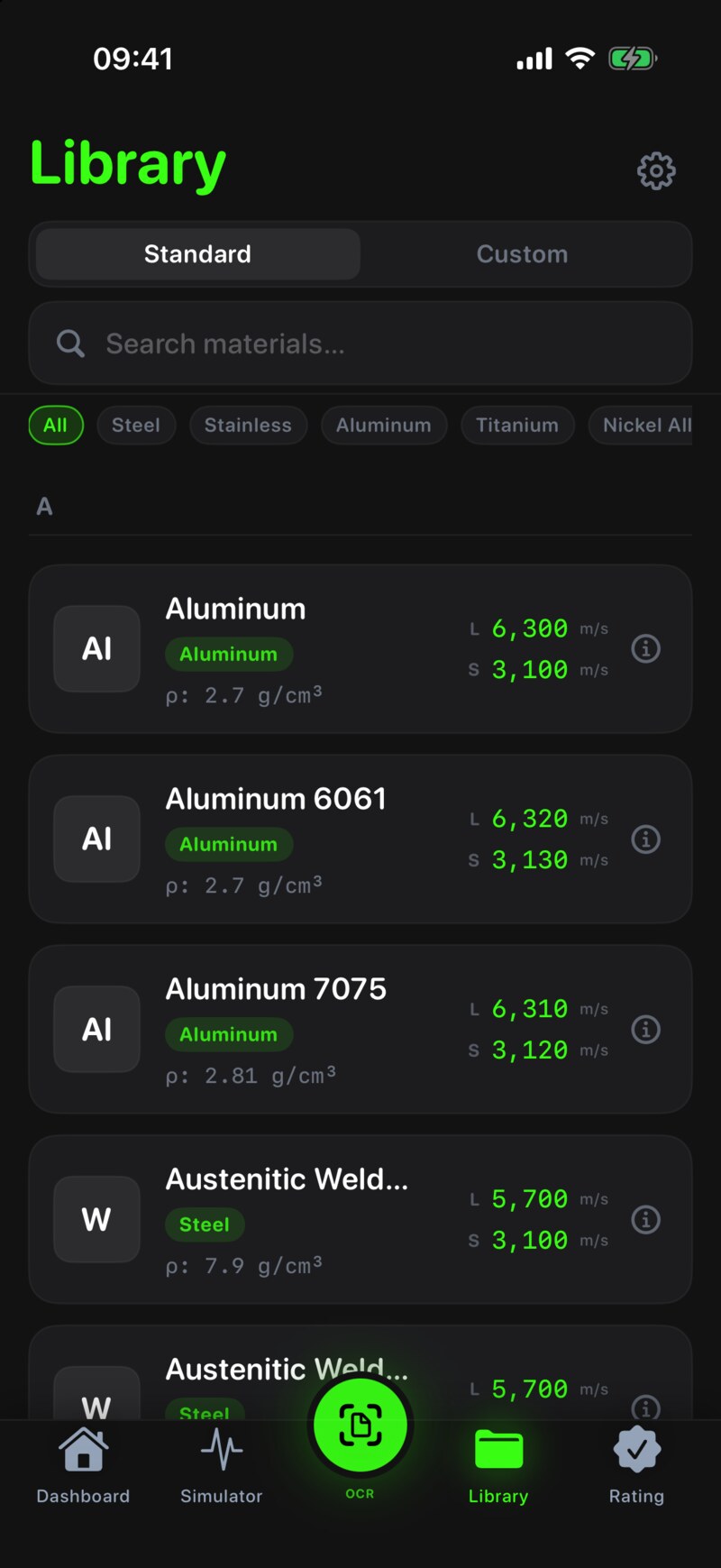
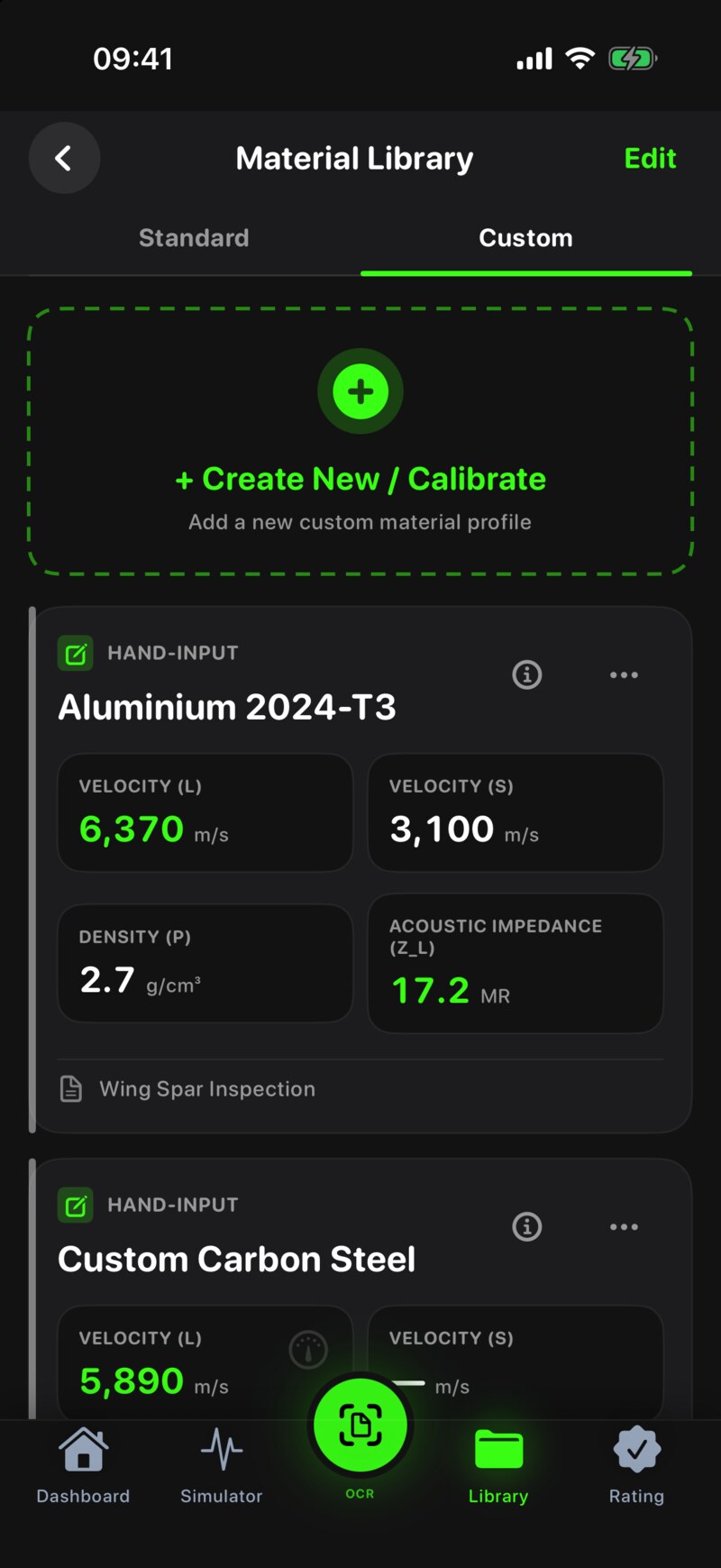
Default longitudinal- and shear-wave velocities ship with values cited from the standards above and from widely-used NDT handbooks (e.g. Krautkrämer & Krautkrämer, Ultrasonic Testing of Materials; ASNT Nondestructive Testing Handbook, Vol. 7). Users can edit any material or add custom alloys; custom values are stored locally only.

Why everything is offline

Inspection environments — tank farms, pipeline right-of-ways, refinery shutdowns, offshore platforms — are routinely without reliable network. The app is engineered to give the same result on a disconnected device that it would on a connected one. There is no remote calculation server, by design.

3. Calculation reference

The formulas below are the exact expressions used in production. Sign conventions and geometry follow common UT field practice (probe index at origin, beam centerline measured from the normal, second-leg distance accumulated through skip).

Wavelength

λ = c / f where λ = wavelength [m] c = acoustic velocity in the test material [m/s] f = probe nominal frequency [Hz] Reference: EN 12668-2, §3; Krautkrämer §1.

Near field length

N = (D² · f) / (4 · c) = D² / (4 · λ) where N = near field length [m] D = effective transducer element diameter [m] f = frequency [Hz], c = velocity [m/s], λ = wavelength [m] Standard form for a circular piston transducer in an infinite medium. Reference: Krautkrämer §3.1; EN ISO 16811 Annex A.

Beam spread (half-angle, −6 dB)

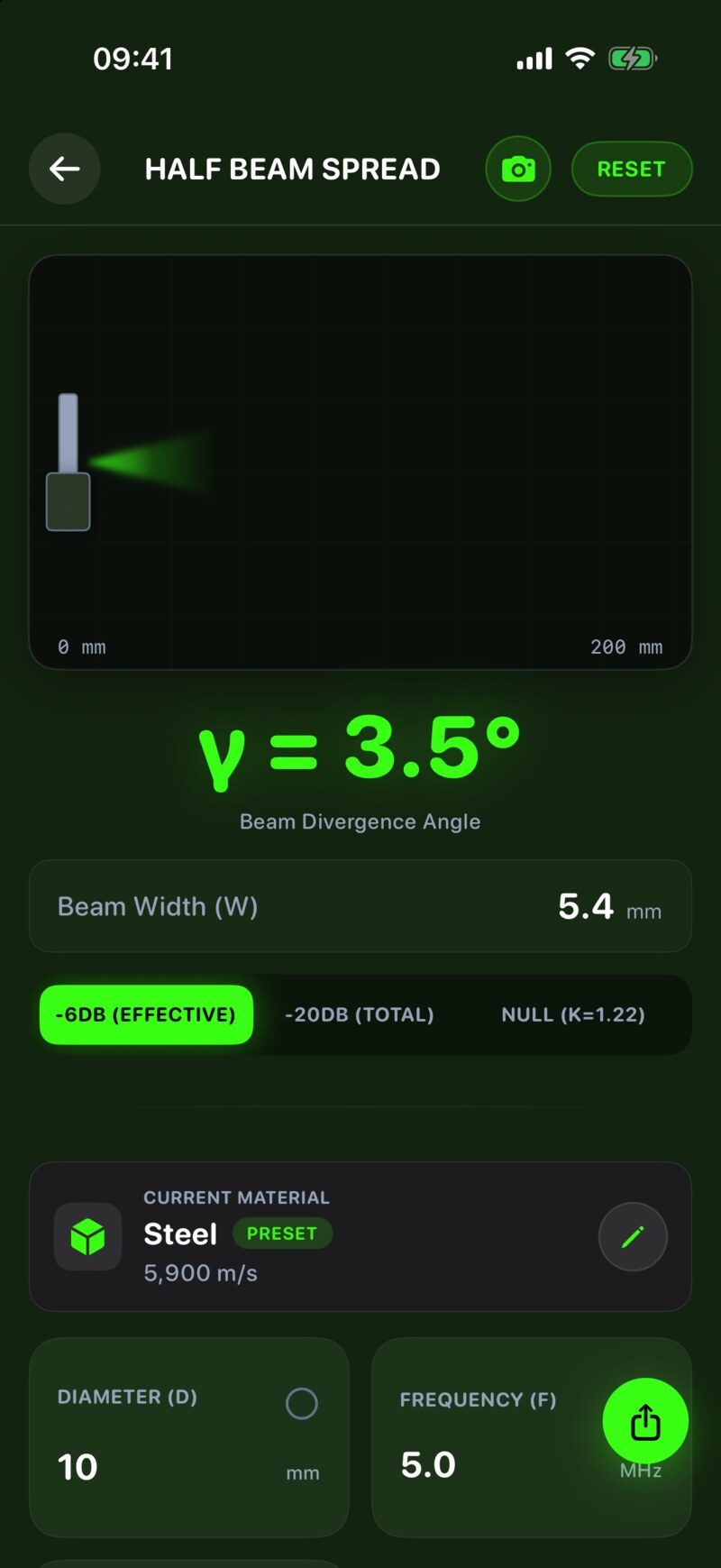
sin(β/2) = K · λ / D where β = full beam divergence angle [rad] K = 0.51 for the −6 dB half-angle of a circular piston (K = 1.22 is used when reporting the first null of the radiation pattern) λ, D as defined above. Reference: ASNT NDT Handbook, Vol. 7, §3.4.

Snell's law & critical angles

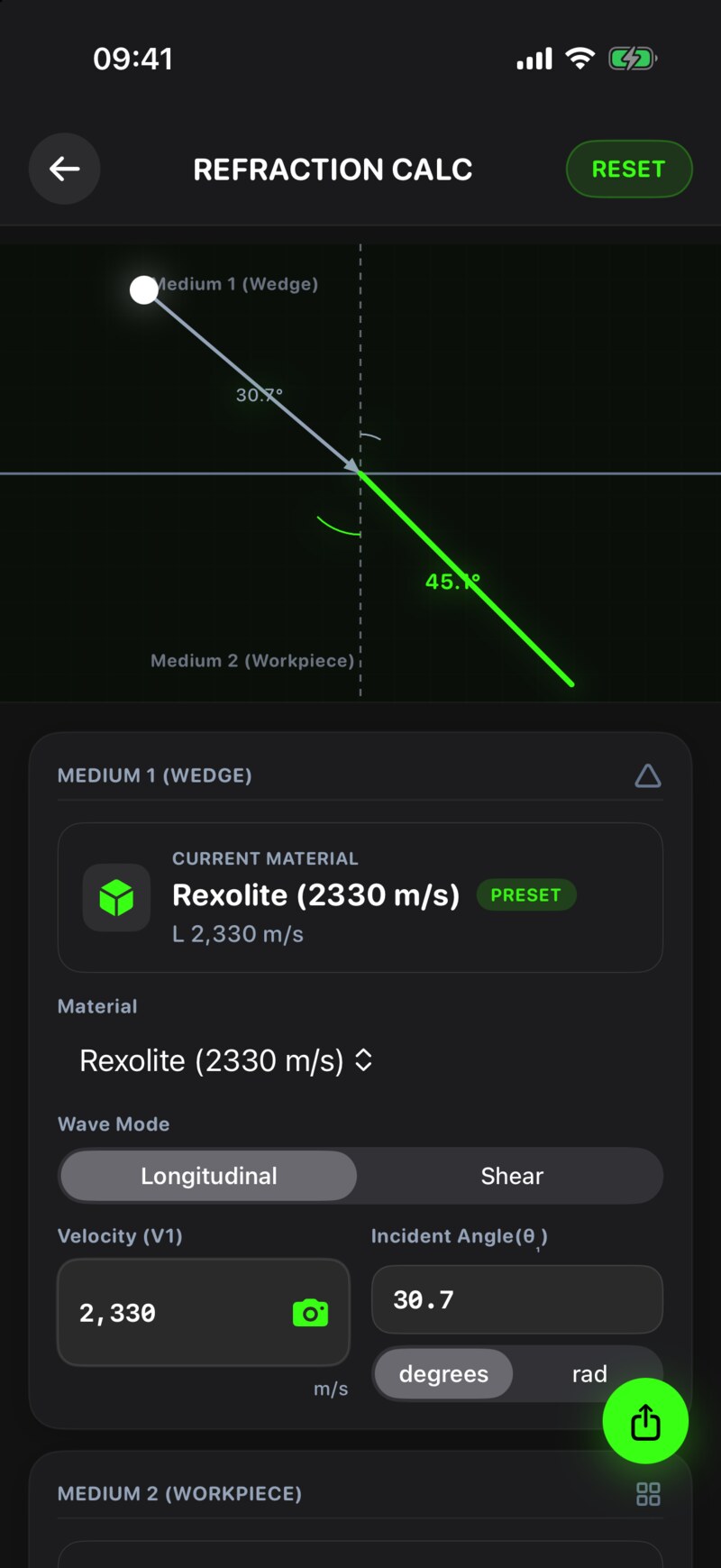
sin(θ₁) / c₁ = sin(θ₂) / c₂ First critical angle (L-wave refracts at 90°): θ_c1 = arcsin(c₁_L / c₂_L) Second critical angle (S-wave refracts at 90°): θ_c2 = arcsin(c₁_L / c₂_S) θ_c1 and θ_c2 bracket the usable shear-wave angle-beam range in steel. Reference: ASME BPVC V Article 4 Mandatory Appendix III.

Angle-beam flaw location

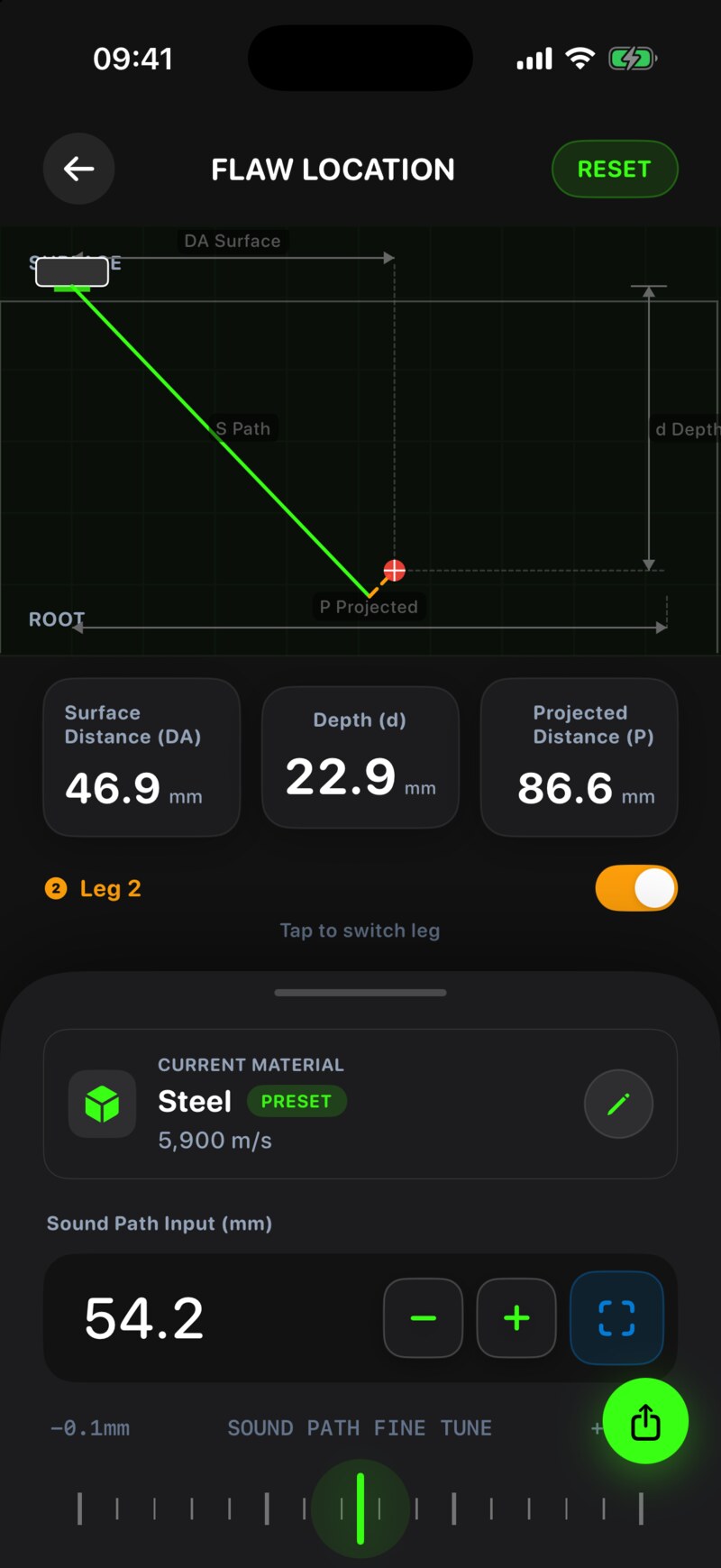
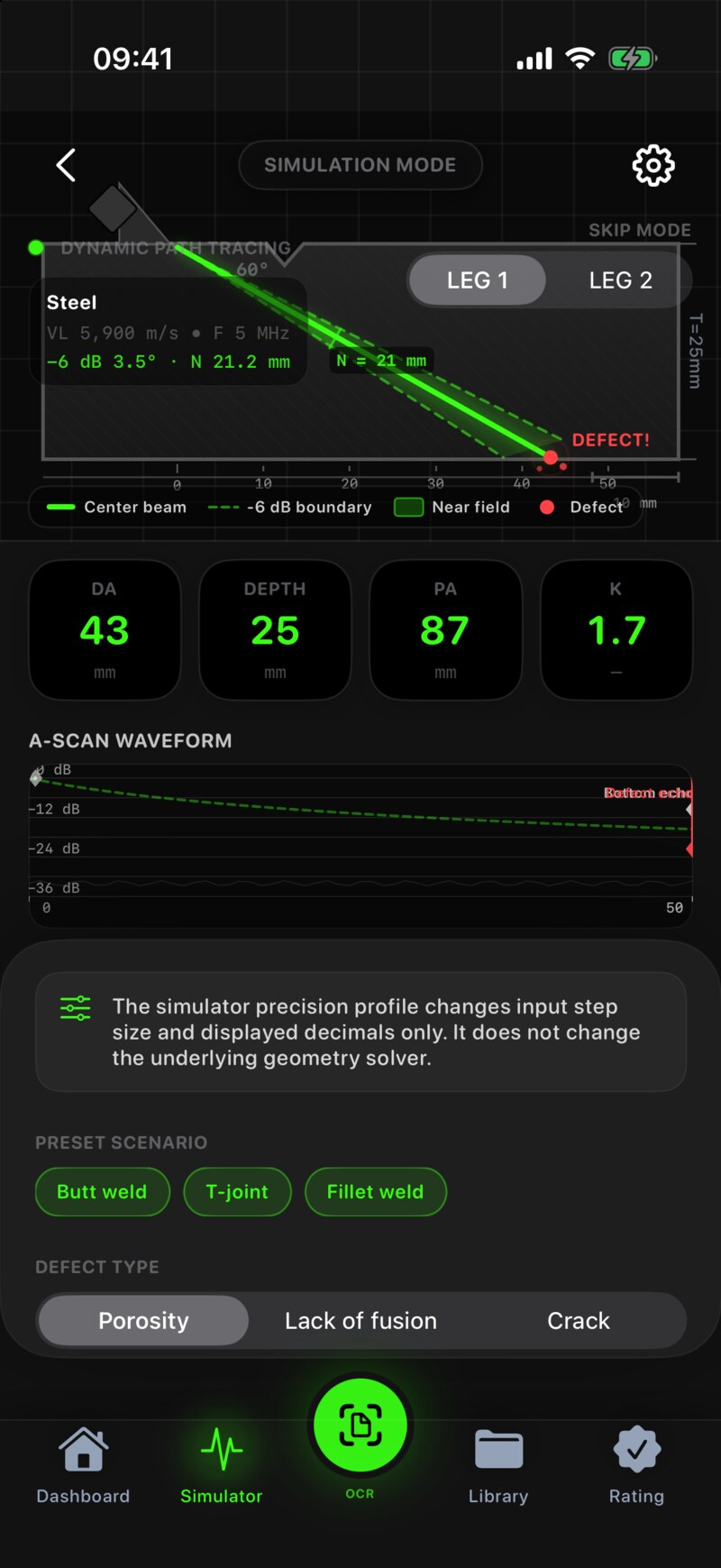
For a refracted angle θ in a plate of thickness T, with sound path SP: Beam path (SP) = directly measured from instrument Surface dist. P = SP · sin(θ) Depth (1st leg) d = SP · cos(θ) Depth (2nd leg) d' = 2·T − SP · cos(θ) Depth (3rd leg) d = SP · cos(θ) − 2·T ... (continues for nth leg) Probe-to-flaw projected distance: DA = P − x_index (x_index = probe index offset) Geometry follows EN ISO 17640 §10 and AWS D1.1 Clause 8 Part F.

Decibel conversion

ΔdB = 20 · log₁₀(A₁ / A₂) % = 10^(ΔdB / 20) · 100 Use 20·log for amplitude ratios (voltage, screen height). Use 10·log only for power/energy ratios — NDT screen amplitude is amplitude, not power. Common UT gain math; see EN ISO 16811 §6.

Acoustic impedance & reflection coefficient

Z = ρ · c [kg / (m² · s)] = [rayl] Normal-incidence reflection coefficient at a planar interface: R = (Z₂ − Z₁) / (Z₂ + Z₁) T = 1 − R (intensity transmitted) Reference: Krautkrämer §2.

Resonance thickness

For fundamental thickness resonance (n = 1): T = c / (2 · f) Harmonic order n: T_n = n · c / (2 · f) Used by the resonance-mode thickness gauging module.

ToFD probe centre separation (PCS)

PCS = 2 · d_focus · tan(θ) where d_focus = depth at which beams cross [m] θ = probe refracted longitudinal-wave angle [rad] Reference: EN ISO 10863 / ASME V Article 4 Mandatory Appendix III.

AWS D1.1 indication rating ("D-rating")

D = abc where a = indication level (gain at which the indication reaches the reference horizontal line) [dB] b = reference level (gain to produce reference response from the standard reflector) [dB] c = attenuation factor: c = 2 dB · (sound path in inches − 1) (path > 1 in.) c = 0 when sound path ≤ 1 in. Acceptance class is then looked up in AWS D1.1 Table 8.2 (or Table 8.3 for tubular) by weld thickness and indication length. Reference: AWS D1.1:2020 Clause 8 Part F. NDT Master implements the calculation; acceptance class lookup is presented for the user to confirm against the applicable code edition.

DAC / TCG reference curves

For DAC, the app fits a smooth curve through user-provided reference reflector points (side-drilled holes or flat-bottom holes at increasing depth), and renders the −6 dB and −14 dB evaluation lines per ASME BPVC V Article 4 Mandatory Appendix VII. For TCG, the gain compensation values along the sound path are derived from the same reference data so that an equal-amplitude reflector reads at the same screen height at any depth.

4. Frequently asked questions

How accurate are the calculations?

Numerical accuracy of the underlying expressions is limited only by 64-bit floating-point precision (about 15 significant decimal digits). The accuracy of the physical result in your inspection depends on inputs: material velocity, probe diameter, refracted angle and reference level all carry uncertainty in practice. The app reports calculated values to a precision that does not overstate input uncertainty (typically 2–3 decimals in mm, 0.1 dB).

Which AWS D1.1 edition does the D-Rating tool follow?

The arithmetic (a − b − c with the path-length attenuation correction) has been stable across AWS D1.1 editions for many years. Acceptance class tables (8.2 / 8.3) are presented for reference; you remain responsible for confirming against the contract edition applicable to your project (e.g. AWS D1.1:2020 vs. earlier).

How is the DAC curve generated from my reference points?

The DAC module uses the user-supplied reference reflector amplitudes at known depths to construct the primary curve, then offsets by −6 dB and −14 dB to render the evaluation and recording lines per ASME BPVC V Article 4 Appendix VII. The curve is generated by monotone piecewise interpolation between points; the underlying point data and the gain offsets are always shown so the curve can be cross-checked by hand.

Why is OCR scanning only used for velocity / frequency / dB values?

Instrument screen layouts vary widely, but the three numeric fields most often manually re-typed during a job are velocity (m/s or in/µs), frequency (MHz) and gain (dB). OCR is scoped to these on purpose: a narrow, well-tested capture surface is more reliable than a general "read anything on the screen" feature. You can always reject the OCR suggestion and type the value.

Why does the app stay offline? Are my inspection inputs sent anywhere?

No. All calculations and OCR run on-device. No inspection inputs, history, custom materials, OCR images or analytics events are sent to any server. The app does not contain third-party advertising or analytics SDKs in the current release. See the Privacy Policy for the full statement.

Can I export results for an inspection report?

Calculation results, DAC reference data and history records can be exported as CSV or PDF (Pro tier). The export format is plain and intentionally human-readable so that the values can be pasted into a company report template or attached as supporting evidence.

Can I add a custom alloy or material?

Yes. The Materials section lets you create custom entries with longitudinal- and shear-wave velocities and density. Custom materials are stored only on your device. Up to 100 custom entries are supported.

What is the difference between Basic and Professional?

Basic unlocks the full set of everyday UT calculators (wavelength, near field, beam spread, Snell's law, flaw location, dB, impedance, resonance, ToFD PCS) plus material presets and local history. Professional adds AWS D-Rating, DAC/TCG curve construction, the OCR scanner, advanced 3D beam-path visualization, and report-ready CSV/PDF export. Both are one-time purchases — there is no subscription.

Does the app work on iPad?

Yes. The app is universal and supports iPad split-view. On a 12.9" iPad Pro a two-pane layout is used where applicable so the calculator and the 3D beam view can be visible at the same time.

Why does the 3D beam view look slightly different on my older iPhone?

The 3D beam simulation uses SceneKit. On A10–A11 class devices the simulation is rendered at a reduced framebuffer scale so that 60 fps is preserved during slider interaction. The numerical results are identical regardless of device class.

I think a result is wrong. What should I do?

Email st67891@gmail.com with: the calculator name, every input value with its unit, the value the app produced, and the value you expected (with your derivation or reference). We take calculation issues seriously and aim to confirm or fix within one business day.

Do you offer education / training licenses?

Yes — for NDT training providers, technical colleges and ASNT/ISO 9712 prep courses we can arrange volume licensing and instructor briefing materials. Please contact us with your institution name, expected number of seats and the course it will be used in.

5. Troubleshooting

OCR keeps reading the wrong number

A purchase did not unlock the feature

The app feels slow / drops frames in 3D view

History records disappeared after iOS update

This should not happen — history is stored in the app's local container and is preserved across iOS updates. If you observe it, please contact us with the iOS version (before and after) and the approximate count of records lost. We will investigate immediately.

6. Contact & support SLA

General & Technical Support
Calculation questions, bugs, feature requests. First response within 1 business day (UTC+8, Mon–Fri).
Calculation Methodology
Disagreements on a formula, sign convention or reference. We welcome these — please include your reference (clause, page).
Education / Volume Licensing
For NDT training providers, technical colleges, and corporate inspection teams.
Privacy / Legal
Privacy requests, copyright notices, legal follow-up.

When reporting an issue, please include: iOS version, device model (e.g. iPhone 14 Pro), app version (Settings → About), the calculator/feature involved, every input value with its unit, the observed result, and the expected result with your reference if you have one.

7. Verification & limitations

NDT Master is a calculation aid, not a qualified inspector. Outputs are produced by deterministic formulas and the precision of your inputs. They do not replace the judgement of qualified personnel (ASNT SNT-TC-1A / NAS 410 / ISO 9712 Level II or III as appropriate), a written procedure, or the acceptance criteria of the applicable code edition.

8. Version history

1.22026-05-11 App Store optimized screenshots for iPhone and iPad; improved ASO copy for offline-privacy and field workflow positioning.
1.12026-04-30 Refinements to AWS D-Rating workflow, expanded material library, history-export polish.
1.02026-04-22 Initial release: 9 UT calculators, AWS D-Rating, DAC/TCG, OCR scanner, 3D beam-path visualization, offline-first storage.